We will soon release an update that fixes this, however there is one thing you can do now to prevent the error from showing up every time you sync with AnkiWeb. You can change a setting of the add-on to disable automatic syncing with AnkiHub.
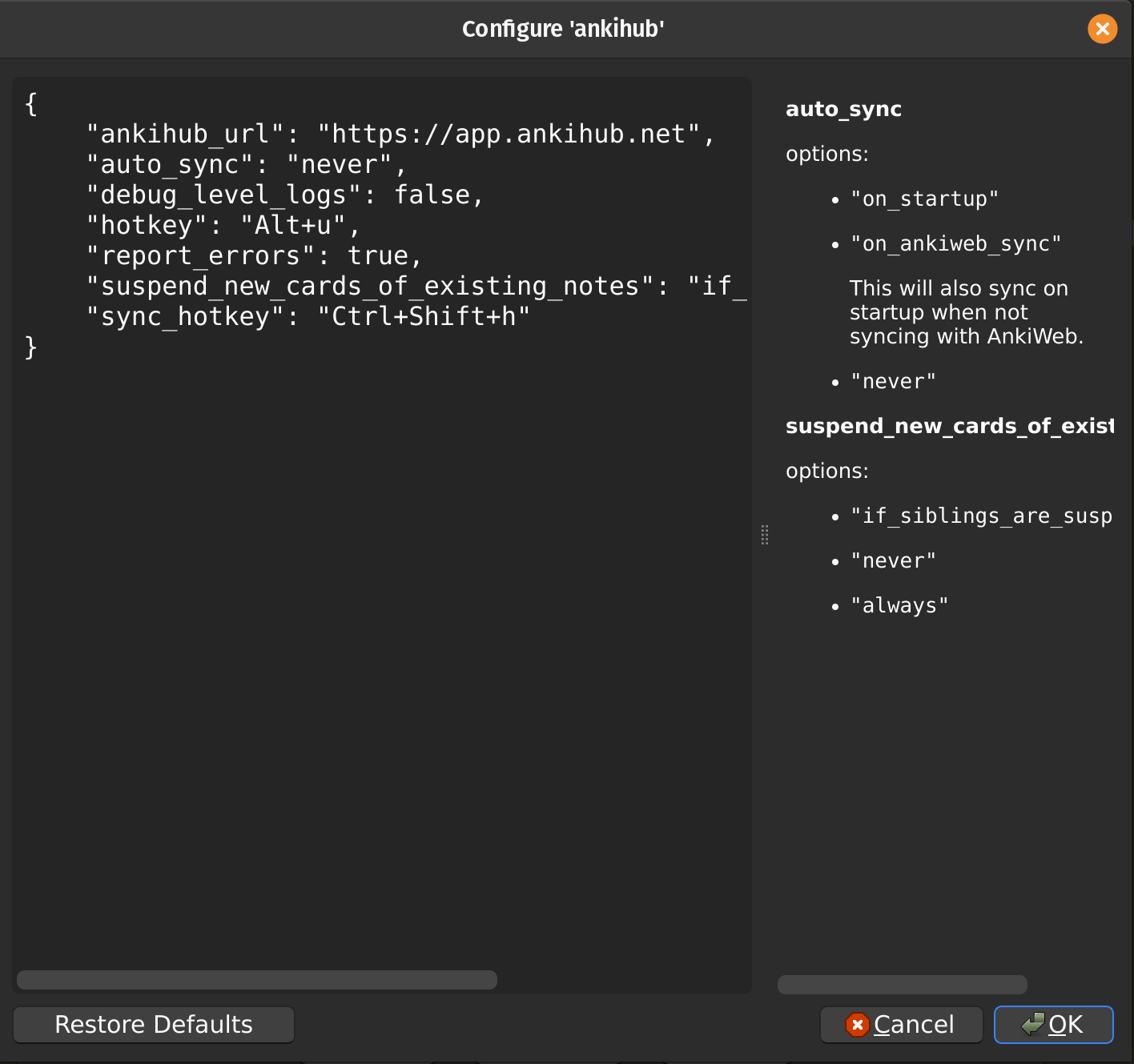
Go to the config of the add-on (main Anki window → Tools → Add-ons → Select AnkiHub from the list → Click the Config button).
In this config window you can change the auto_sync option to never.
Then restart Anki. After this change the add-on won’t try to sync automatically with AnkiHub, but you will still be able to sync manually (main Anki window → AnkiHub → Sync with AnkiHub).