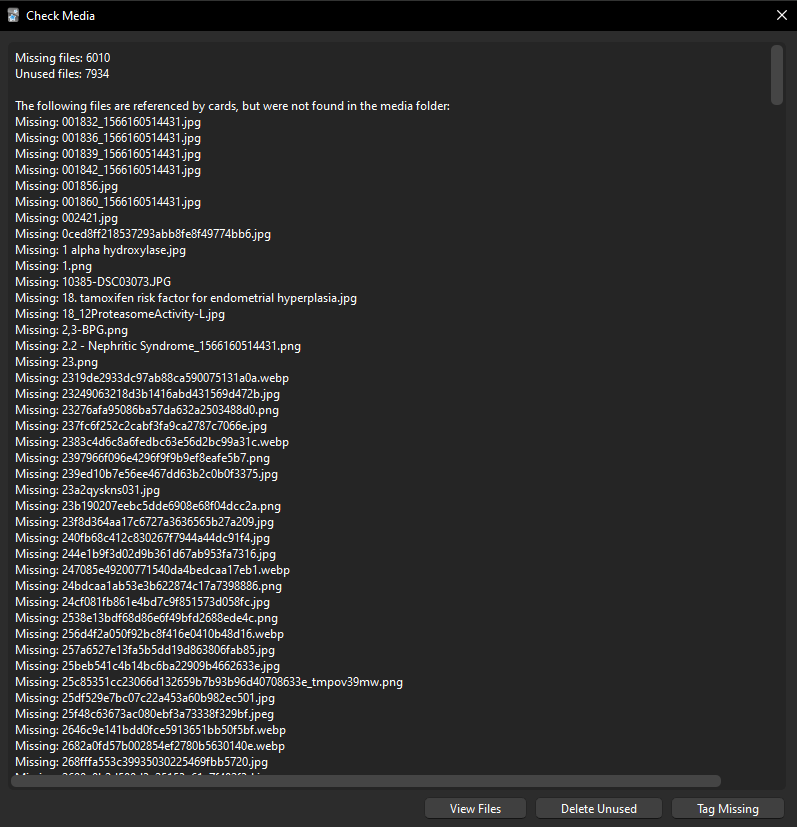
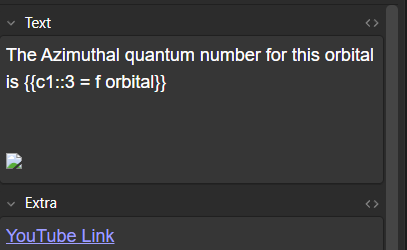
apologies for bringing up this common question. i am somewhat new to anki and have not gotten the images in my anking MCAT deck to load. ive noticed im missing images from biochem and gen chem so far. check media says i am missing 6010 files. I have unprotected some fields to try and fix it, but do not have the ankihub option in my browse to reset changes. maybe i am missing something simple…

Thank you for reaching out! Our moderators have been notified and will assist you shortly. In the meantime, you can get an instant response from me simply by @ mentioning my username`. Alternatively, start a private conversation with me (see screenshot below). If you ask me a question, I will do my best to respond using only verified information found in the official AnkiHub docs and the Anki manual.
You can also find answers to common questions in our FAQ and Docs.

I’ll help you with your missing images and AnkiHub button issues. Let me search for some relevant information to provide you with the best solution.
Search
Found 4 results for 'tags:official ankihub missing images status:public'
Read topic
Reading: Why is my deck missing images?
Search
Found 4 results for 'tags:official ankihub button missing status:public'
Search
Found 2 results for 'tags:official anking mcat missing images status:public'
Read topic
Reading: AnKing MCAT Deck Wiki
Missing Images and AnkiHub Button in Browse
Hi there! I understand your frustration with missing images in the AnKing MCAT deck and not seeing the AnkiHub button in the browse view. Let me help you solve both issues.
Missing Images Issue
Your Check Media showing 6010 missing files is definitely a problem we can fix. This is a common issue with AnkiHub decks that has a specific solution:
-
First, check your media sync status:
- Open Anki and click on the AnkiHub add-on icon
- Check if it says “Idle” (sync complete) or “Downloading” (still in progress)
- Note: Media can take up to 60 minutes to fully download depending on your internet connection
-
If media sync is complete but images are still missing:
- Make sure you’re subscribed to the official AnKing MCAT deck from AnkiHub
- For the AnKing MCAT deck, AnkiHub provides media for specific fields (Text, Extra, Sketchy, and Pixorize)
Missing AnkiHub Button in Browse
This is likely because:
- The AnkiHub add-on might not be properly installed or loaded
- Your Anki might need to be restarted after installing the add-on
To fix this:
-
First, verify your AnkiHub add-on is installed:
- Go to Tools > Add-ons
- Confirm AnkiHub is in the list and enabled
- If not, install it with code: 1322529746
-
Sign in to your AnkiHub account:
- In Anki, click “Anki” in the top left
- Go to “Preferences” > “Third-Party Services”
- Sign in with your AnkiHub credentials
- Restart Anki after signing in
-
If you still don’t see the AnkiHub button:
- Try reinstalling the add-on
- Make sure you’re using a compatible version of Anki
Additional Recommendations
-
Check your membership status - Ensure your AnkiHub membership is active, as this is required for the MCAT deck
-
For the unprotected fields - After getting the AnkiHub button to show, you’ll be able to reset changes or protect/unprotect fields as needed
If these solutions don’t work, please let us know what specific steps you’ve already tried so we can provide more targeted assistance!
Hello,
The bot correctly identified the main problem, you are likely missing the AnkiHub add-on.
If you prefer, you can follow this comprehensive guide and check that you have completed every step:
- Make sure you have an active membership: Sign In
- Install the Ankihub addon: Install Ankihub Addon (New User)
- Subscribe to and install a deck: Subscribe/Install Step Deck (New User)
- Start using the deck: How to Get Started Studying
After everything is done, you can reset local changes: How to Reset Local Changes
Let me know how it goes! 
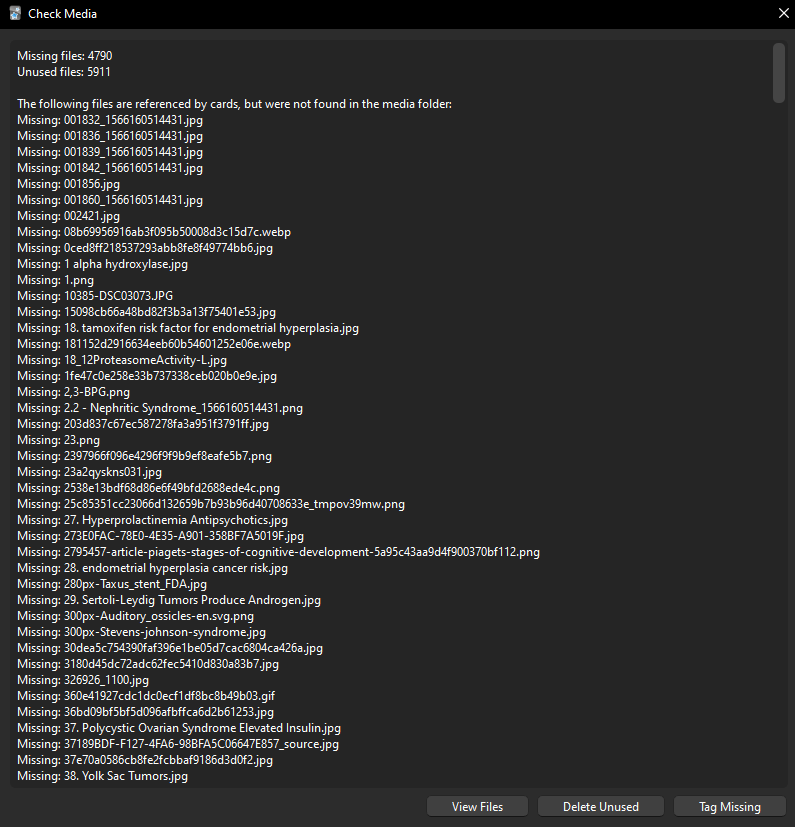
Just to clarify, Anki’s built-in “Check Media” tool can sometimes show a “missing files” report even when no media is actually missing from your AnkiHub decks. Since you followed the steps mentioned and the number of missing media files changed, it’s very likely that your cards no longer have broken images.
You can also click the “Delete Unused” button in the Check Media tool.
Please let us know if you see the broken image icon again on any of your cards, and we will take a deeper look into the issue.
1 Like